
Train custom vision models on your own images.
Choose the model category that fits your data—built, reviewed, and tested inside CarbConnect with gallery import, webcam capture, and in-platform inference.
S.U.R.T.R
Setup → Upload → Review → Train → Results
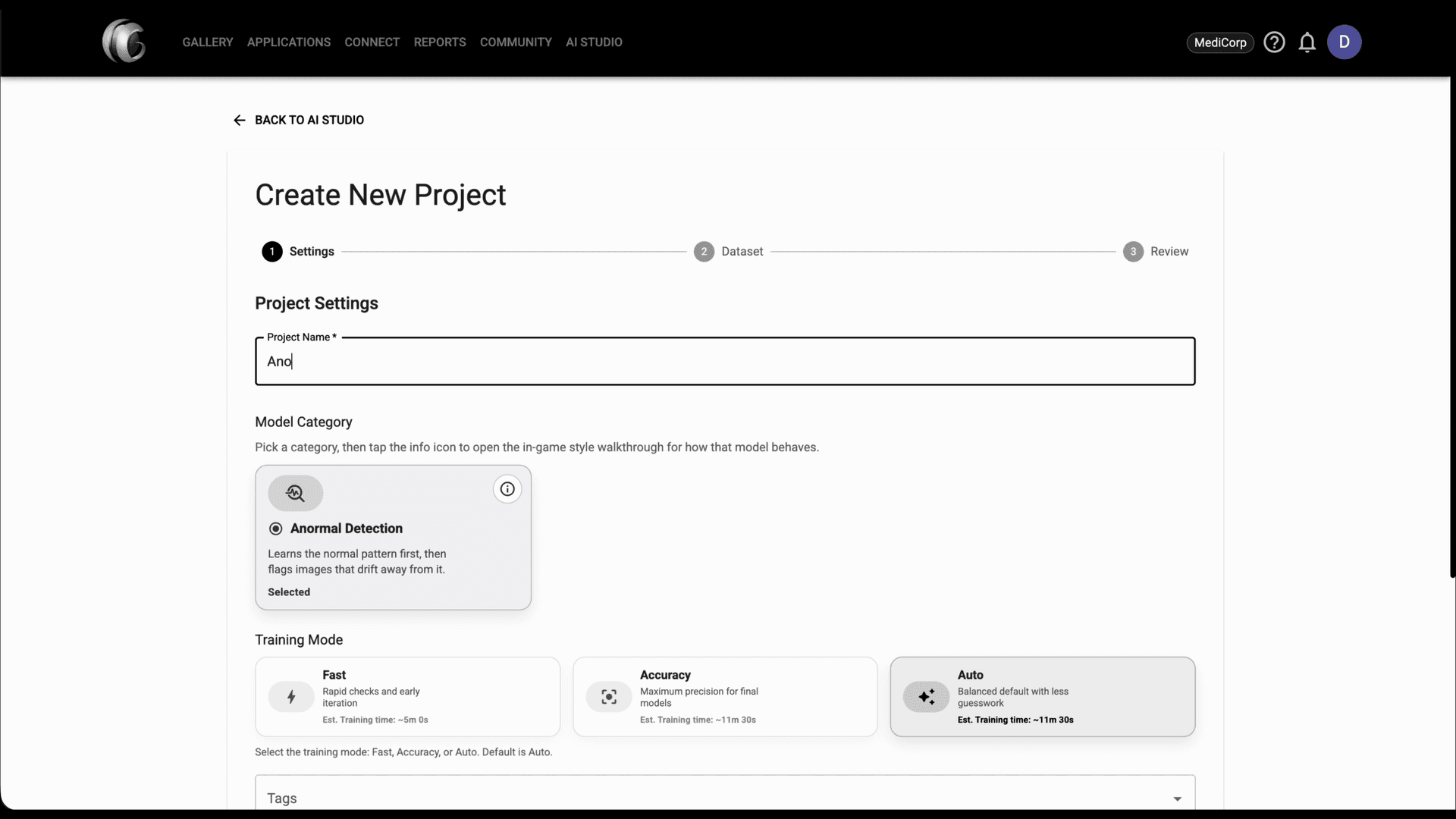
Setup
Set up basics for the project and the model that will be created.
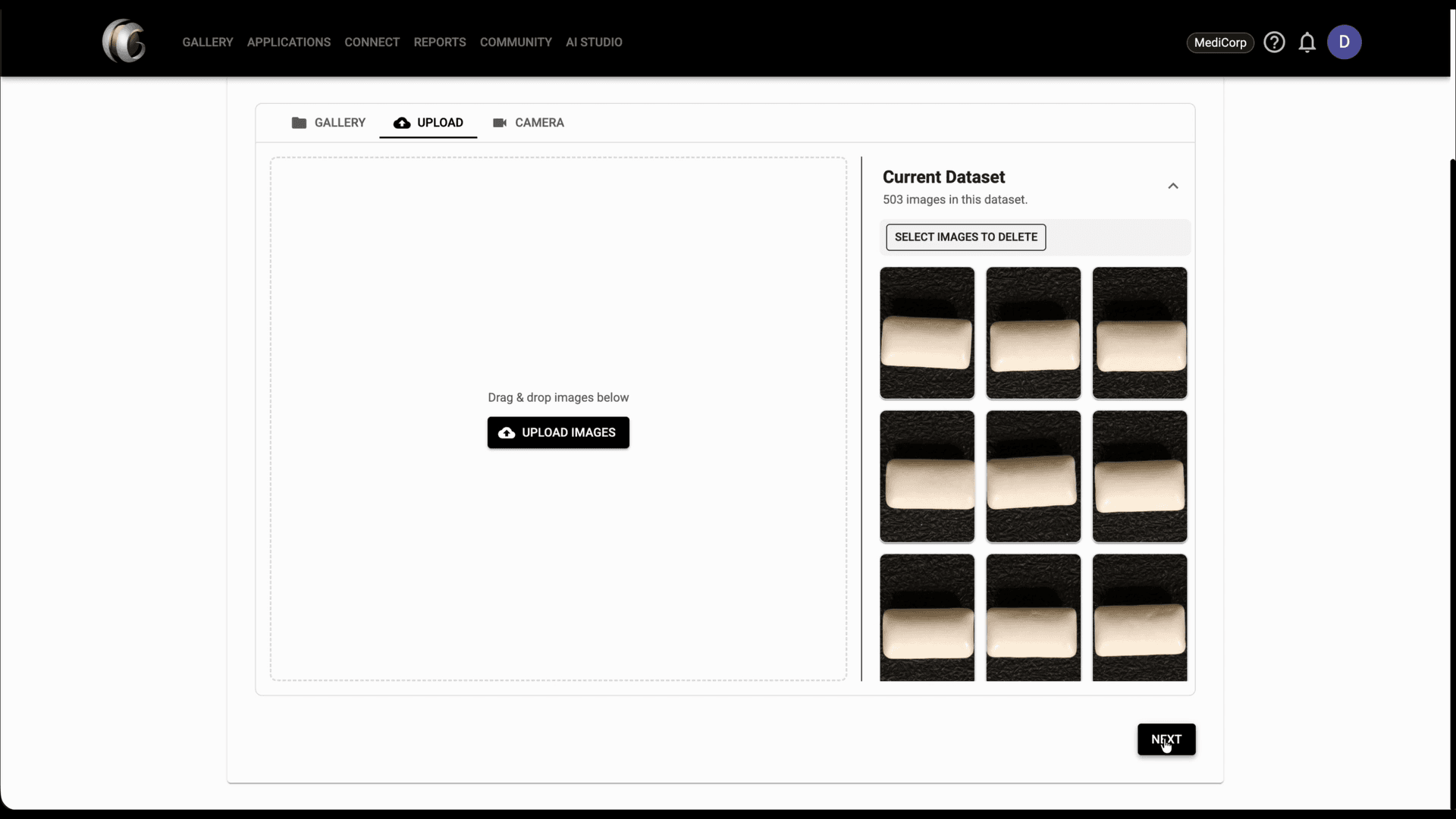
Upload
Upload the dataset that the model will train on.
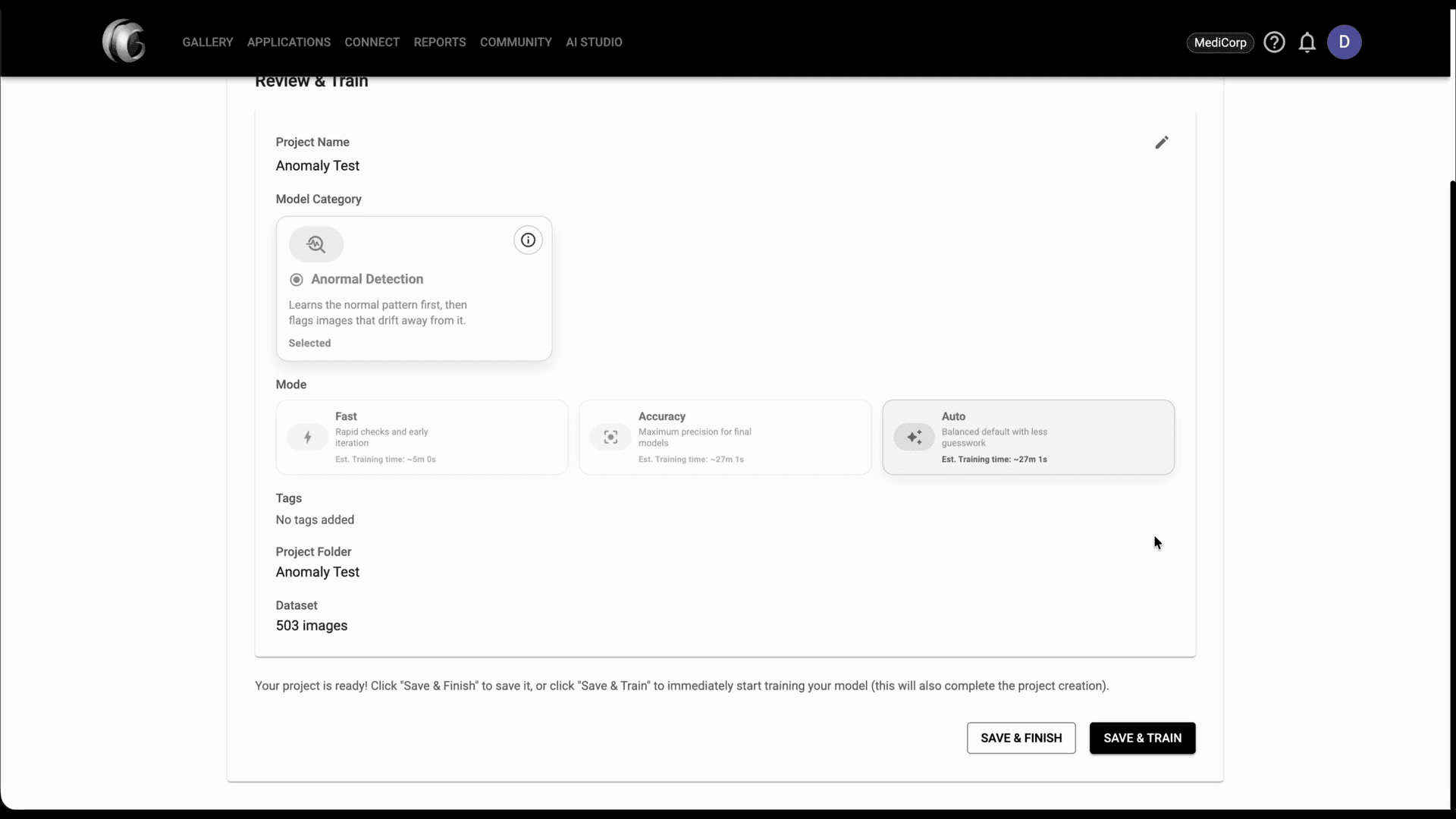
Review
Check that everything looks good to you and ready to go.
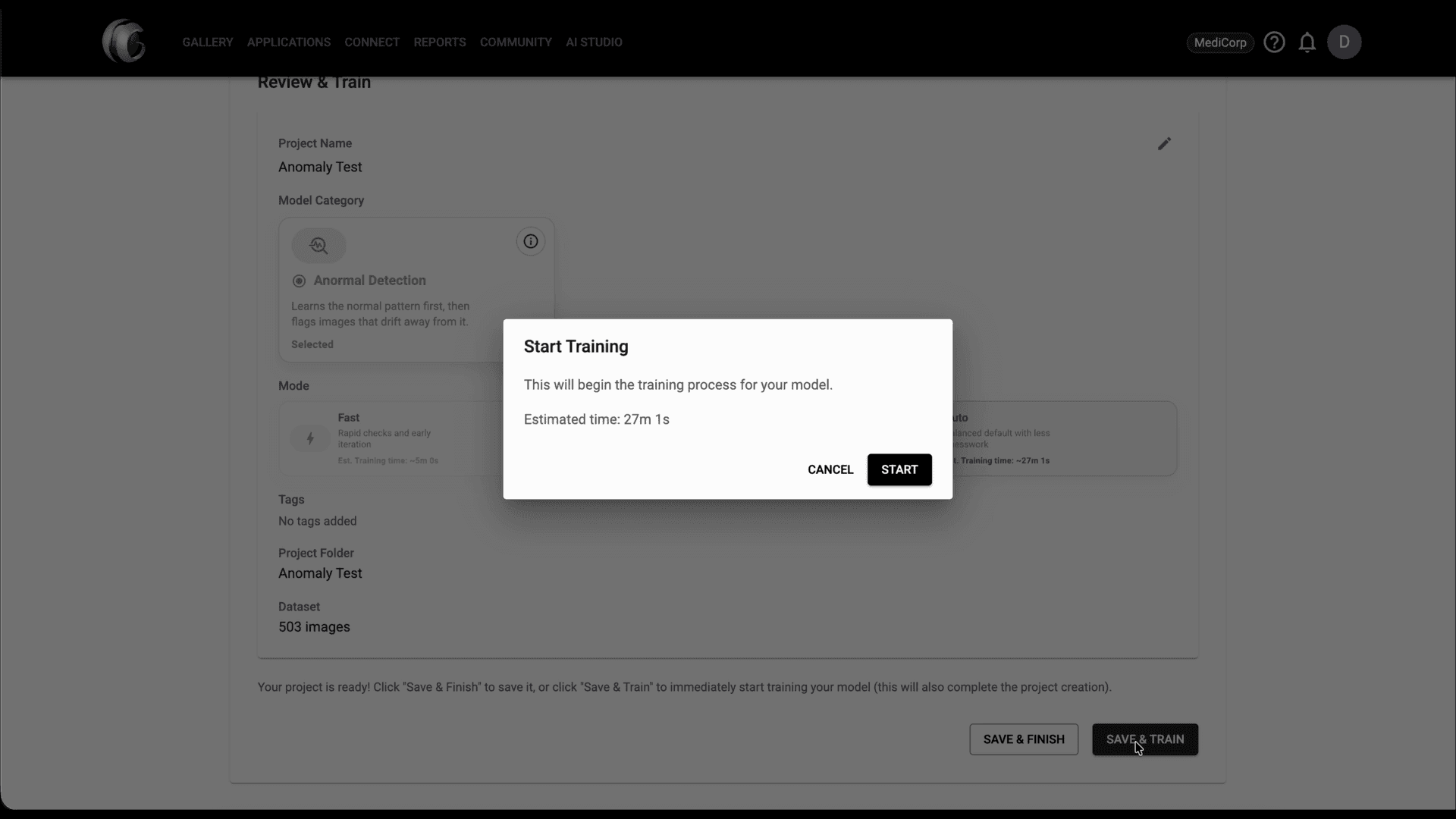
Train
Optionally, start training right away.
Results
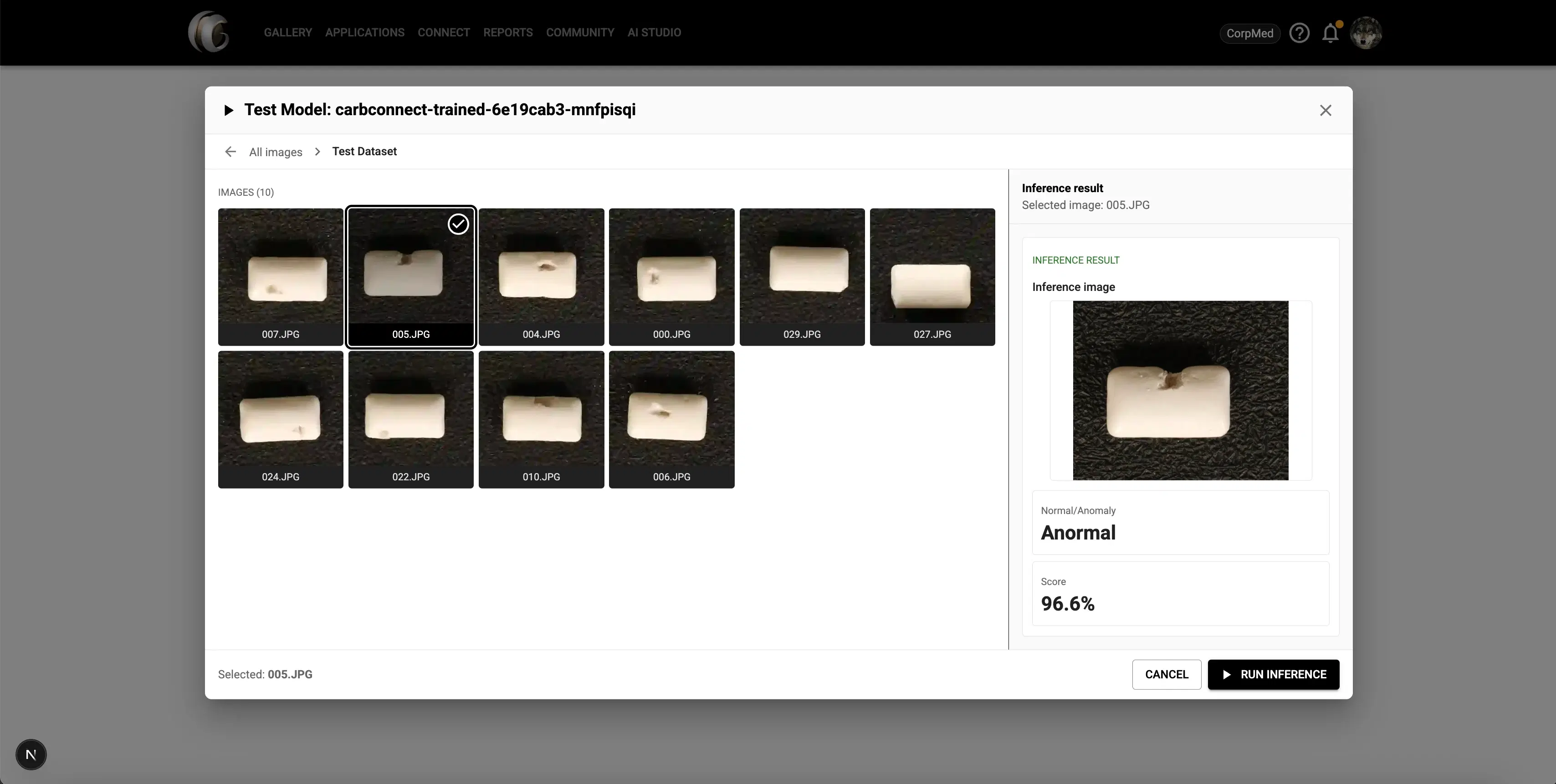
Test your model with new samples to verify predictions and evaluate performance before deploying.
Model Categories
Pick the One That Fits Your DataEvery category follows the same Setup → Upload → Review → Train → Results flow. The model under the hood changes based on what your data looks like and how you want to use the results.
Anomaly Detection
Learns the normal pattern first, then flags images that drift away from it. Useful when defects, contamination, or unusual samples are rare and hard to collect examples of.
Train on mostly-normal images—no defect examples required.
Returns an anomaly score per image so you can flag and review the outliers.
Great for visual QA, contamination checks, and triaging large image batches.
Classification
Looks at an image and infers which of your classes it belongs to, based on the example images the model was trained on.
Provide example images for each class you want the model to recognize.
On a new image, the model returns the inferred class with a confidence score.
Add more examples to any class to sharpen how reliably it gets recognized.
More categories on the way
We're working on additional model categories to cover more of your research workflows. Stay tuned.
Use Cases
Built for Real Research ProblemsHow teams are using AI Studio today to detect anomalies and validate results without writing any code.
Cell Anomaly Detection
Upload images of normal samples to teach the model what "good" looks like. It will then flag images that deviate from the expected pattern, without needing labeled defect examples.
Identify Anomalous Samples
Build a model trained on clean baseline images from your research. Run it against new samples to surface anything that looks out of the ordinary—before it slips through review.
Sort Microscopy Images by Class
Define the phenotypes you care about, assign a handful of example images to each class, and let the model route incoming images into the right class with a confidence score on every prediction.
Assign Multiple Classes per Image
When a single image can belong to several classes at once, train a multi-class classifier. The model returns every class above your confidence threshold so reviewers see all relevant assignments.
Test Models Directly in the Platform
Once your model is trained and deployed, test it by picking any image from your gallery. Results show confidence scores and flagged regions without writing a line of code.
Bring Your Existing Images
Import your dataset from the CarbConnect gallery, upload from your local machine, or capture directly from a webcam. Your data stays within the platform throughout the whole process.
Features
What AI Studio Can DoAnomaly Detection
Train a detector on normal images and let it score new samples against the learned baseline. Higher scores mean the image looks less like the normal dataset.
Classification
Show the model example images for each of your classes. It then infers the appropriate class for any new image, with a confidence score per prediction.
Flexible Dataset Import
Pull images from your existing CarbConnect gallery, upload files from your computer, or capture directly from a webcam. All sources are supported in the same project.
Configurable Training Settings
Choose a project name, training mode (Fast, Accuracy, or Auto), and add tags to keep your work organized. The setup step is quick and the defaults get you going right away.
Detailed Evaluation Metrics
After training, view accuracy, precision, recall, and F1 score. Per-class breakdowns and confusion matrices are available for every trained model version.
In-Platform Inference Testing
Pick any image from your gallery and run it against a deployed model endpoint without leaving the platform. See the confidence score and the model's prediction immediately.
Training Job Management
Start and stop training jobs from the project page. Track job status in real time and see how long each training run took.
Training History
Each project keeps a record of past training runs, model versions, and inference history so you can compare results and track improvements over time.
Project Organization
Group datasets and models under named projects. Each project has its own settings, dataset, and model endpoint—keeping experiments cleanly separated.
Ready to start a project?
Create a project, bring in your dataset, and launch training from the same workspace.