How to use Pick Colony 1.0 - Colony Picking support
🇺🇸 English
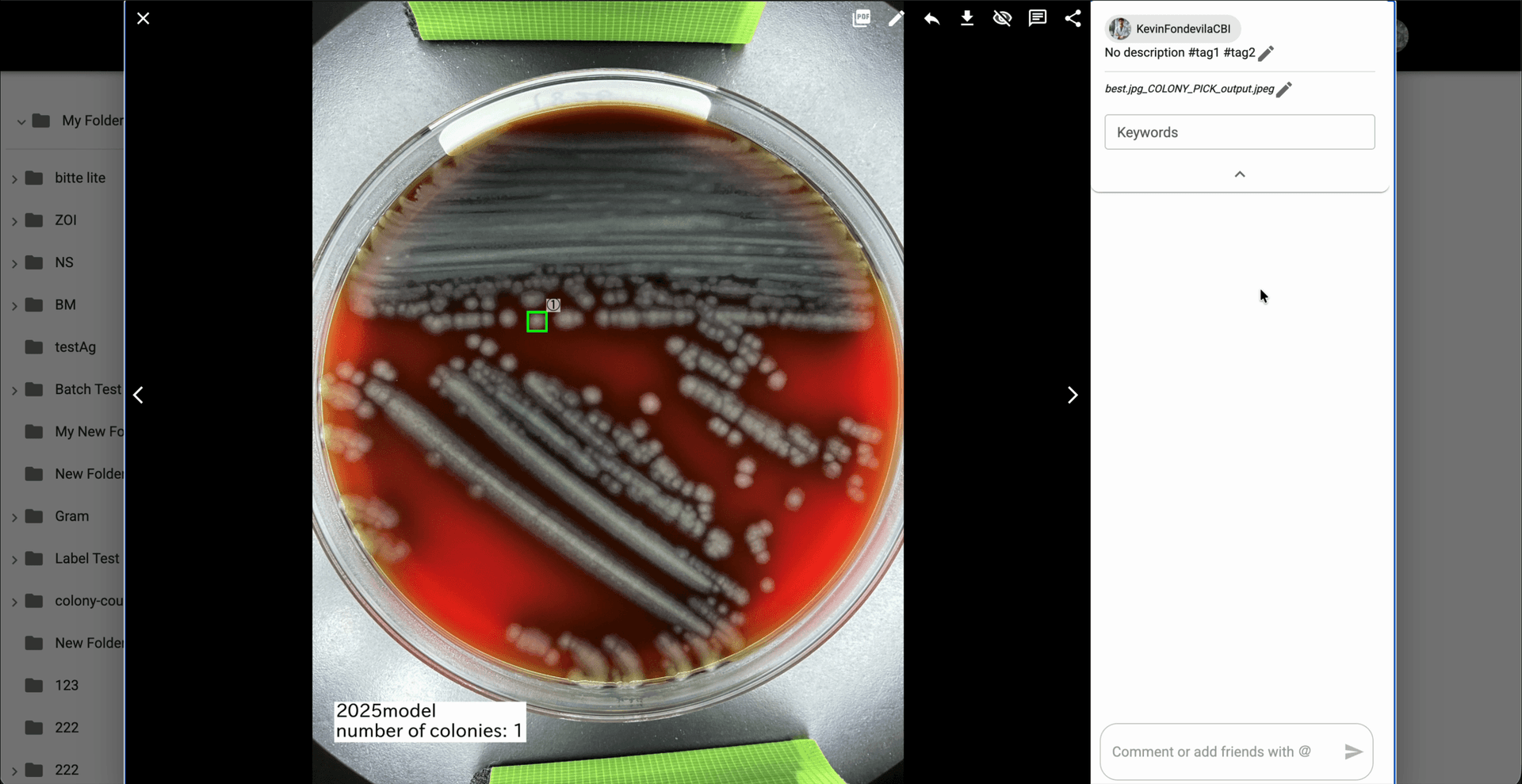
Use Pick Colony to detect the predominant colony in a plate image and generate an output image that highlights the selected colony and the detected colony count.
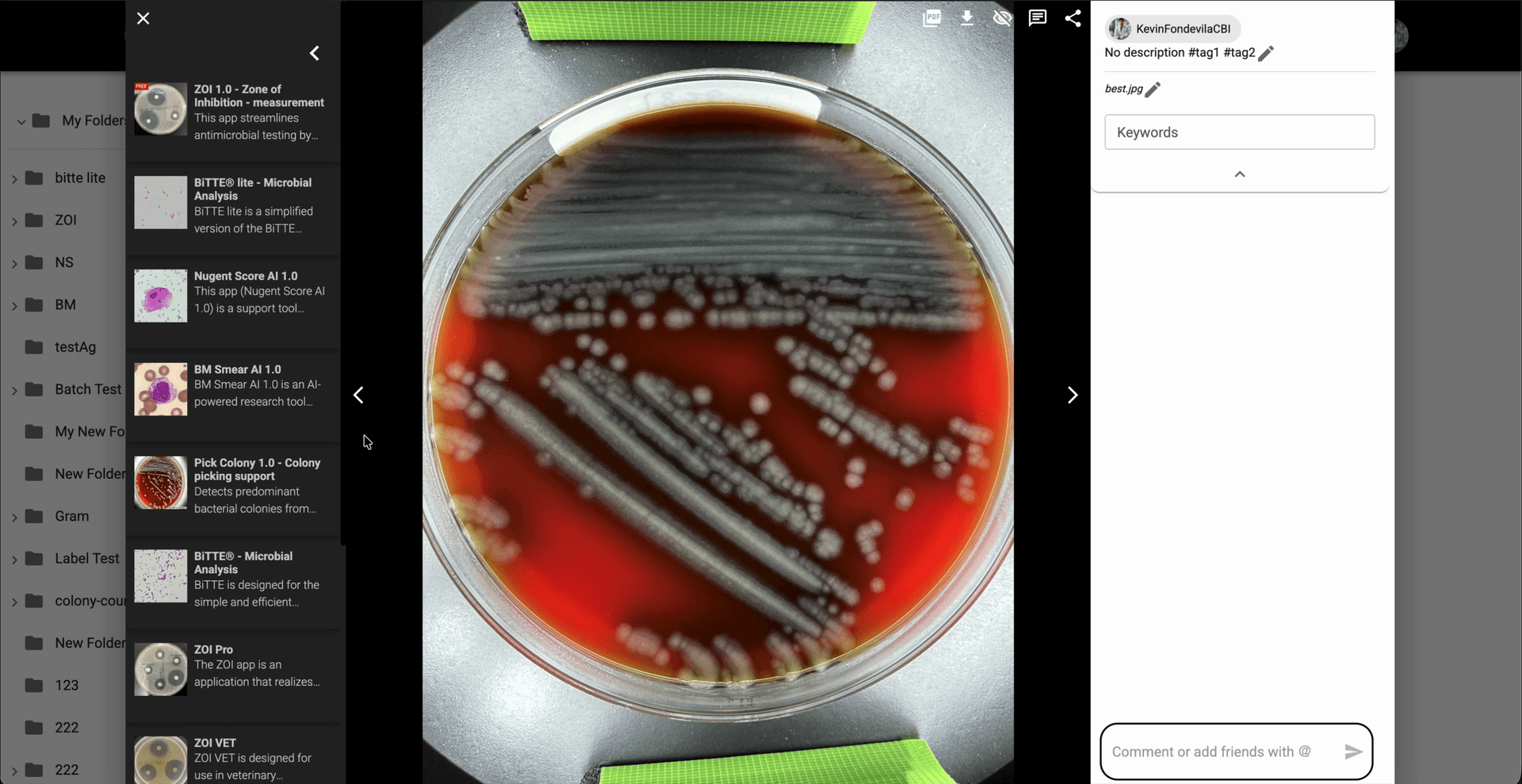
From the gallery, open a plate image with visible bacterial colonies in the image modal.
In the image modal, click the Pick Colony card from the application list to open its analysis flow.
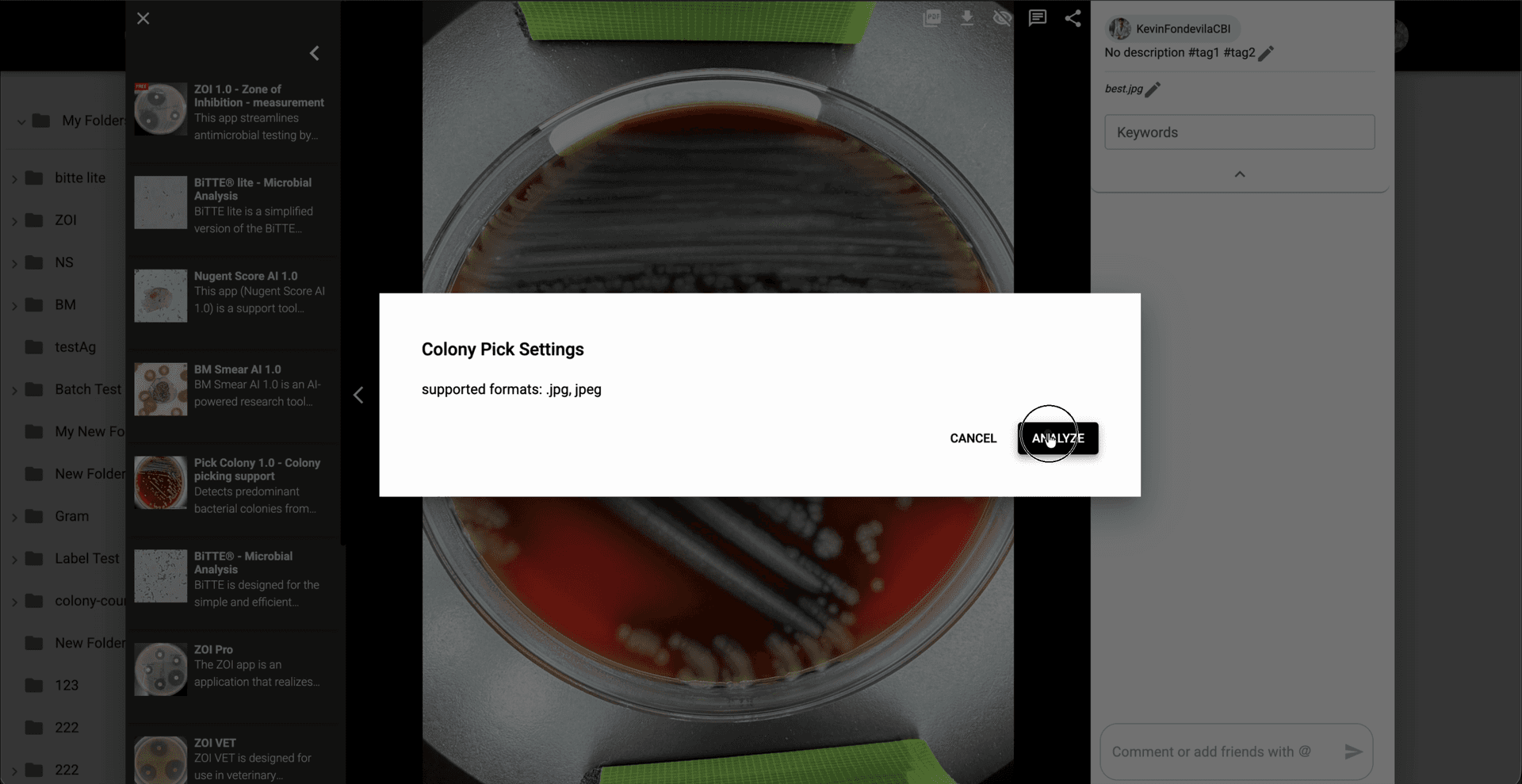
In Colony Pick Settings, review the supported format and click 'Analyze' to start the default colony-picking analysis.
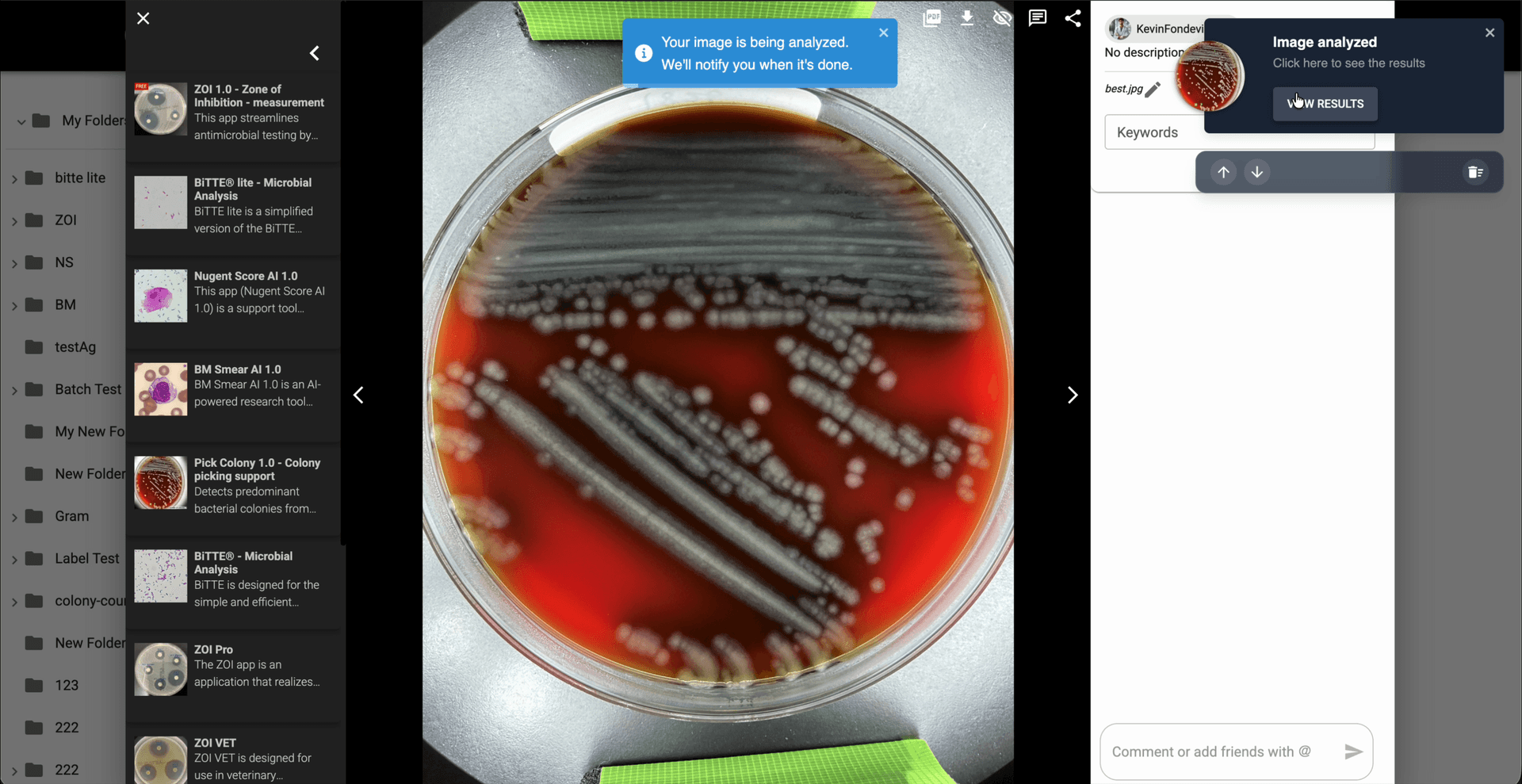
Wait until the analysis finishes, then use 'View Results' in the notification to open the generated result image.
Review the generated `_COLONY_PICK_output` image and confirm the highlighted colony together with the `number of colonies` summary shown on the result.